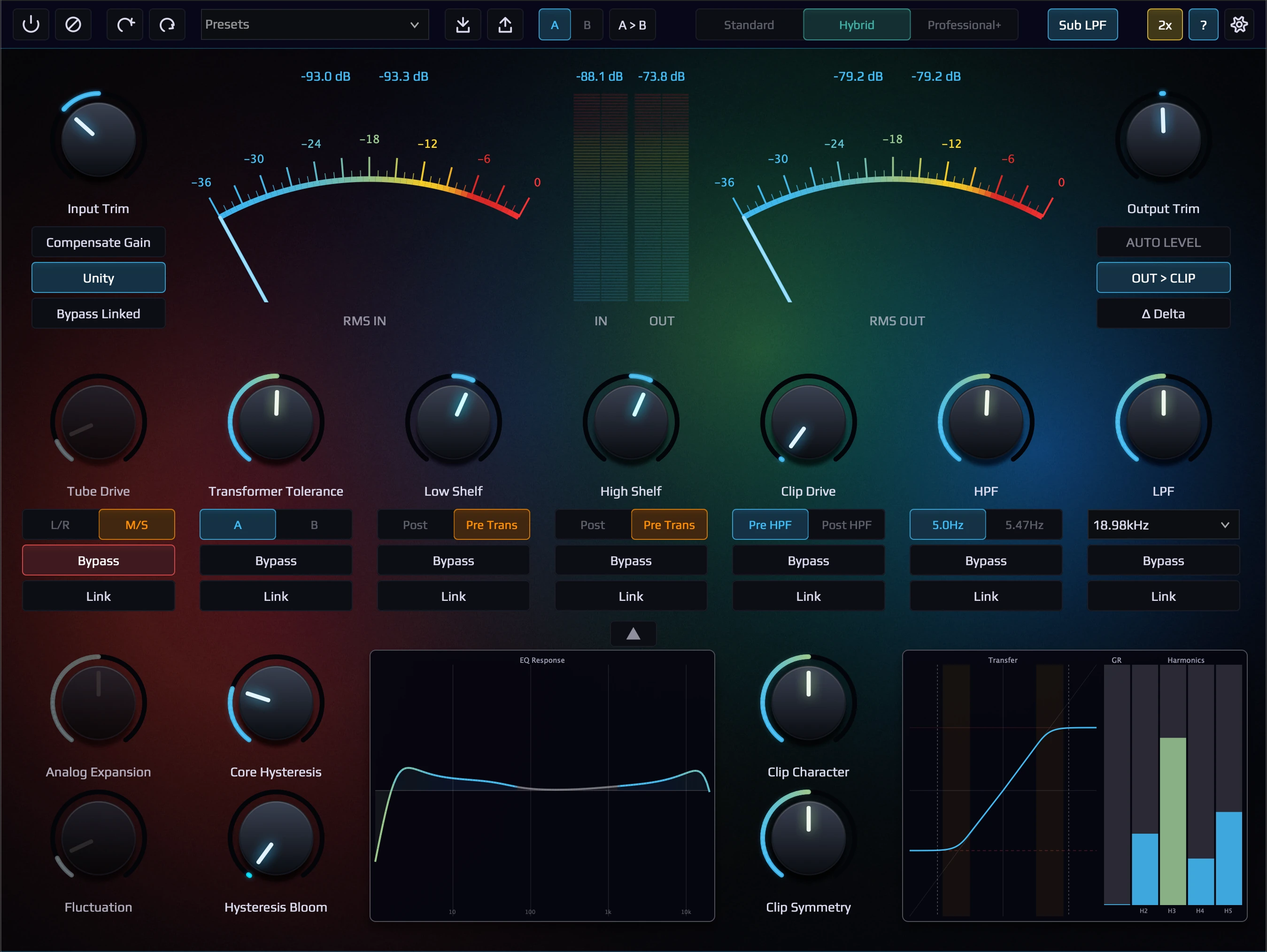
Activate
Deactivate
Offline activation is for purchased (perpetual) licenses only — the free 14-day Full Trial requires one online activation and cannot be activated offline.
How to activate offline:
The procedure is identical in every NK Productions plugin.
1. In the plugin, click Manage License → Offline
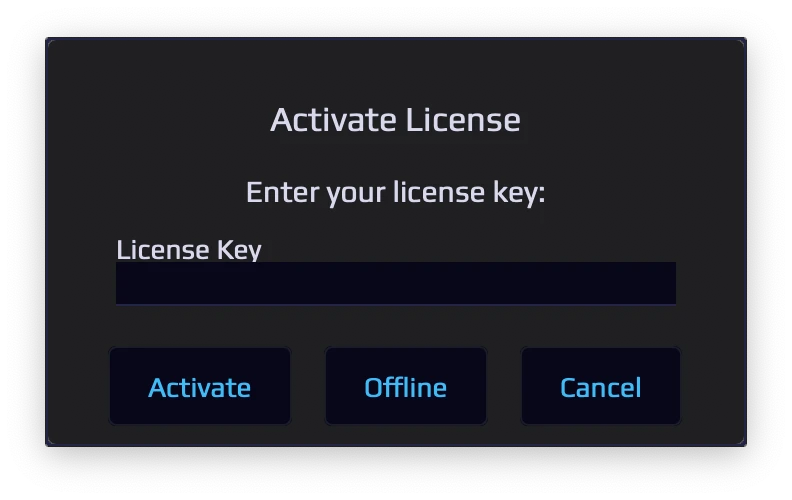
2. Copy the Machine ID shown in the plugin, then enter your License Key and Machine ID on this page
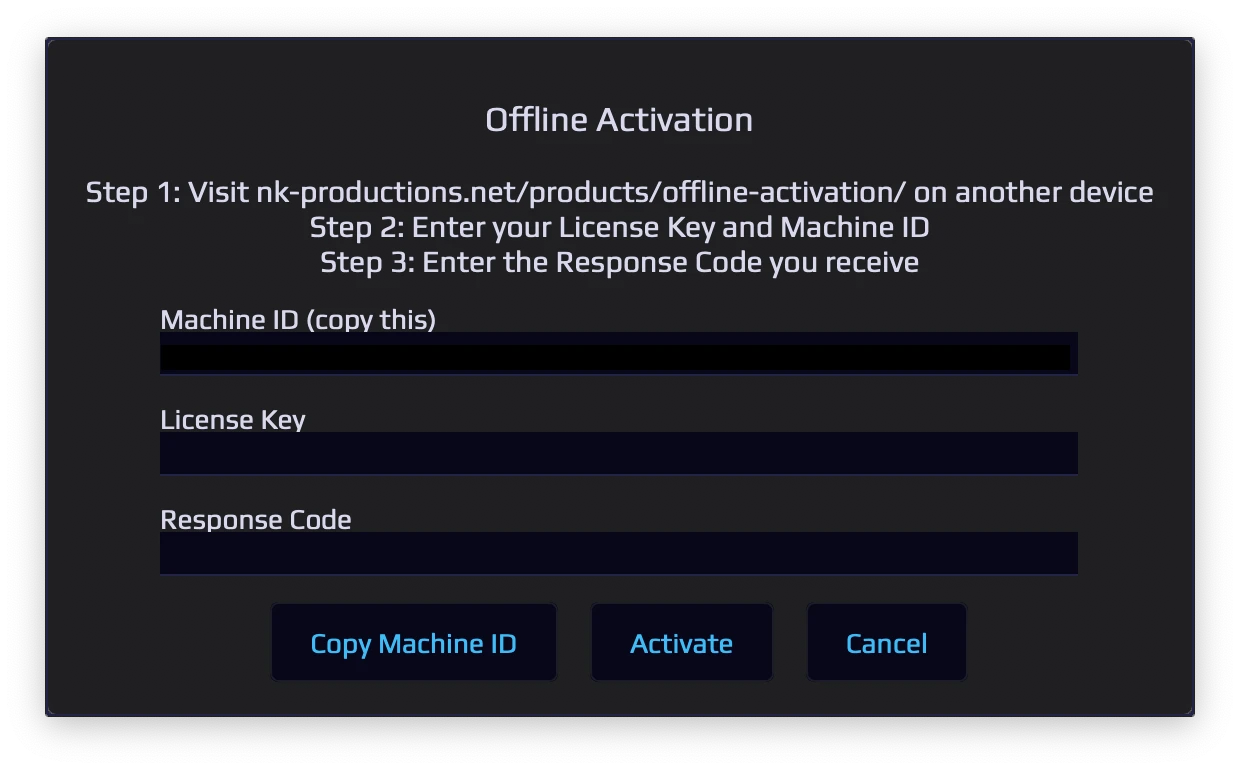
3. Click “Generate Response Code” to receive your code
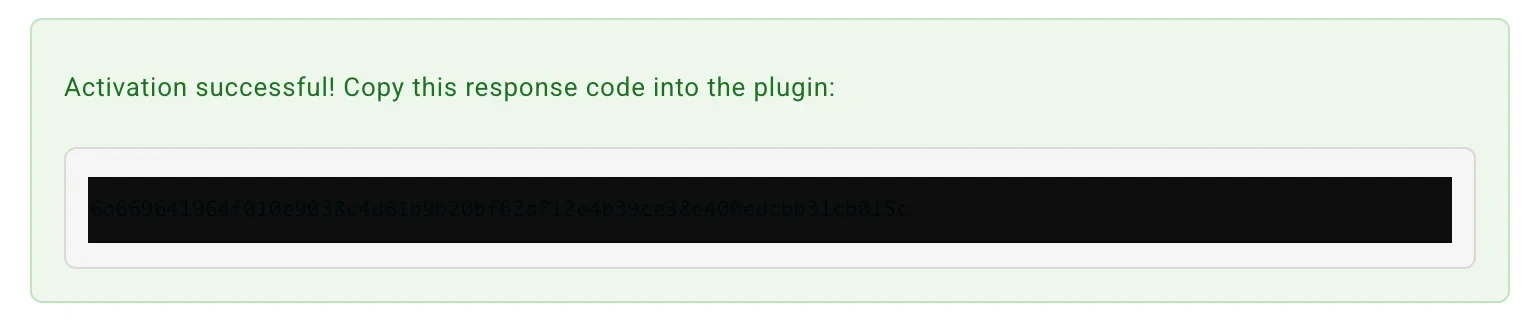
4. Enter both your License Key and Response Code into the plugin to activate
You can return to this page anytime to retrieve your response code again using the same License Key and Machine ID.
The procedure is identical in every NK Productions plugin.
1. In the plugin, click Manage License → Offline
2. Copy the Machine ID shown in the plugin, then enter your License Key and Machine ID on this page
3. Click “Generate Response Code” to receive your code
4. Enter both your License Key and Response Code into the plugin to activate
You can return to this page anytime to retrieve your response code again using the same License Key and Machine ID.
How to deactivate offline:
1. Enter the License Key and Machine ID of the machine to deactivate
2. Click “Deactivate License”
3. The activation slot will be released for use on another machine
1. Enter the License Key and Machine ID of the machine to deactivate
2. Click “Deactivate License”
3. The activation slot will be released for use on another machine